On this page
Record a service visit on the day it happens with seven things: the date, the company and technician, what they found, what they did (including parts replaced and any readings they took), what they recommended, what it cost, and the invoice attached. Add a photo of the equipment label and of any part that came out. Put the entry on the equipment's own page or in the maintenance log, not in an email folder. That entry is what a warranty claim, the next technician, and a buyer will ask for, and it takes about five minutes.
The trap is that the visit feels recorded because the invoice exists. An invoice proves a visit happened and what it cost. It almost never says what the technician saw, what the readings were, or what they told you at the door, and those are the parts that decide the next repair.
What should the entry contain?
A service visit entry contains the facts a stranger would need to pick up where this technician left off: when, who, what was wrong or checked, what was done, what came out and went in, what was measured, what was advised, and what it cost. Each one is a line, not a paragraph. The invoice is attached as the proof; the entry is the substance the invoice leaves out.
The service visit entry
- Date of the visit, and the date you called if there was a problem
- Company, the technician's name, and the invoice or work order number
- The equipment: which unit, with its model and serial if the page does not already hold them
- What was found: the diagnosis in the technician's words, or "routine service, no issues"
- What was done: the tasks performed and any part replaced, with the part name and number
- Readings the technician took, written as they gave them
- What was recommended, including anything you declined and why
- Cost, split into the service fee, parts, and labor if the invoice splits them
- Photos: the equipment label, the old part, anything the technician pointed at
Readings are the line people skip. On an HVAC visit the technician may quote refrigerant pressures, temperature split, capacitor values, static pressure, or a carbon monoxide reading at the furnace; on a water heater visit, the tank temperature or the condition of the anode rod. Write down what they say, in their words and units. You do not need to understand the number for it to be useful; the next technician will, and a number that drifts between visits is how a slow failure gets caught early. What an annual HVAC tune-up should include lists the checks a real tune-up covers, which is also the list of things worth writing down.
How do you get the information from the technician?
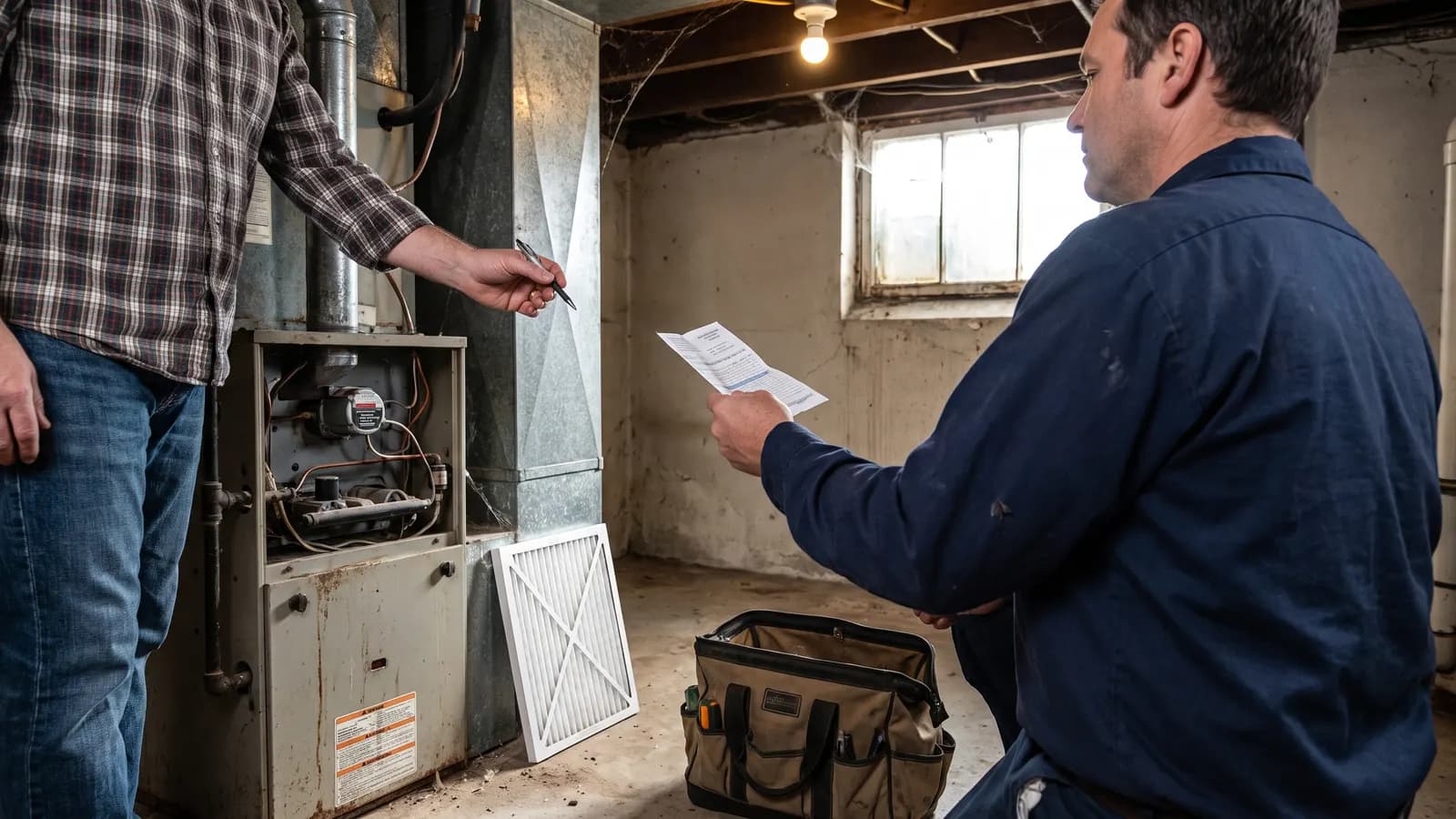
Get the information by asking four questions before the technician leaves, then asking that the answers go on the invoice: what did you find, what did you do, what should I watch for, and when should I call you. Most technicians answer readily at the door and forget by the time they type the invoice in the truck. Ask while the unit is open and the old part is in their hand, and photograph both.
If the company sends a digital invoice, reply to it the same day with the readings and recommendations the technician gave you and ask them to confirm. The reply and the confirmation become part of the record. If the visit was under a builder or manufacturer warranty, ask for the claim or authorization number as well; preparing for a warranty visit is a slightly different routine, and the number is what ties the visit to the claim.
Where should the record live?
The record lives on the equipment's own page, alongside its model, serial, install date, and every earlier visit, so that the history reads as one line of events rather than a search through email. If the visit completed a scheduled task, log it against that task so the schedule advances and the visit and the reminder stay linked. The invoice and the photos attach to the same entry.
In Property Station the routine visit is the maintenance task it completed. The Complete Task dialog takes Completed Date, Cost, Completed By, and Notes, and marking a recurring task complete schedules the next one at the task's frequency. The notes field holds the diagnosis, the readings, and the recommendation; the invoice goes to the Documents page as a Receipt with the equipment named in its title, and the photos go with it. The maintenance scheduler then shows the visit under the task's Completion History, and the unit's history reads in order.
A visit that was a repair rather than routine service gets the same entry with a different label, so that the equipment's page shows both the scheduled care and the breakdowns. A digital home record keeps the two together because the repair-or-replace question, when it comes, is asked of both at once.
Why does the entry matter later?
The entry matters because three decisions are made from it, usually in a hurry: whether a warranty covers the failure, whether to repair or replace the unit, and what to tell a buyer. Each decision turns on dates and history, and each is made from memory in a house without the entry. The date of the first symptom, the number of visits, and the parts already replaced are the facts, and they exist only if someone wrote them down.
Manufacturer and builder warranties often expect the equipment to have been serviced, and a warranty reviewer asks for the evidence. A dated entry with an invoice is that evidence; "we had someone out at some point" is not. The same history is what the repair-or-replace decision is built from, and it is the answer to the buyer's question about when the system was last serviced. Photos beat memory for the same reason the entry does: they carry a date.
What about visits that were not maintenance?
Record every visit the same way, whatever it was for: a repair, a warranty call, a home inspection, an insurance adjuster's inspection, a utility technician, or a quote you did not accept. The entry's shape is the same; only the label and the outcome differ. A quote that was declined is worth recording because the next quote gets compared to it, and an inspection that found nothing is a dated baseline.
Builder warranty visits deserve one extra line: the claim or request number, and whether the builder marked it resolved. Utility visits (a meter change, a gas line check) deserve the meter number and the reason. Quotes deserve the scope and the price, so that the job, when it happens, can be checked against what was promised.
Common questions
Is the invoice enough on its own?
No. Most invoices say "tune-up" or "diagnostic" and a price. They rarely say what was found, what the readings were, or what the technician advised you to watch. Attach the invoice as proof of the visit, and write the substance yourself while it is fresh.
What if I was not home for the visit?
Call or email the company the same day and ask for the technician's notes. Ask the three questions you would have asked at the door: what did you find, what did you do, and what should I watch. Put the answers in the entry with the name of the person who gave them.
Should I record a visit that found nothing wrong?
Yes, and it is one of the more useful entries. A clean visit with readings is the baseline the next technician compares against, and it is the evidence a warranty asks for that the equipment was maintained. "No issues found" with a date is worth more than no entry at all.
What should you do next?
Find the last invoice for any service in the house and turn it into an entry now, while you can still remember what the technician said. Then decide where entries go from here, because the shape of the log matters as much as any single entry; what a maintenance log should include is the pattern the next visit should follow.