On this page
Prepare for a builder warranty service visit by confirming in writing which items the visit covers, clearing the work area and giving access, gathering the original request with its photos, being present or sending someone who knows the list, and recording what was done, what was declined, and what was left open before the technician leaves. The visit itself is short. The preparation is what turns it into a closed item instead of a second visit.
This post assumes the claim has already been sent and accepted and a visit is on the calendar. If you have not sent it yet, the request page is the written channel when your builder uses Property Station, and the warranty document names the channel otherwise.
What should you confirm before the visit?
Before the visit, confirm four things in writing: which request or requests the visit covers, which trade is coming, the date and the arrival window, and whether the technician needs anything from you such as a clear path, a pet put away, or the water turned on. A visit scheduled for "the drywall" that turns out to be the painter, with the drywall crew coming another day, is a visit that fixes nothing you expected.
Ask the builder's warranty coordinator to list the request numbers the visit will address. If your builder uses Property Station, each request moves to Visit scheduled with the date on its detail page, and the Conversation on that request is the place to ask which items are in scope. Read the original request again the night before so you can describe the item the way you reported it. A technician who hears the same description you wrote finds it faster.
- SentThe request is with the builder, dated, with your photos.
- In reviewThe builder has acknowledged it and is deciding.
- Visit scheduledA date is set. Confirm the scope and prepare the house.
- ResolvedThe builder marks it done. Walk the item before you accept.
- ReopenIf the fix did not hold, reopen with a note and a new photo; the request goes back to In review.
How should you prepare the house?
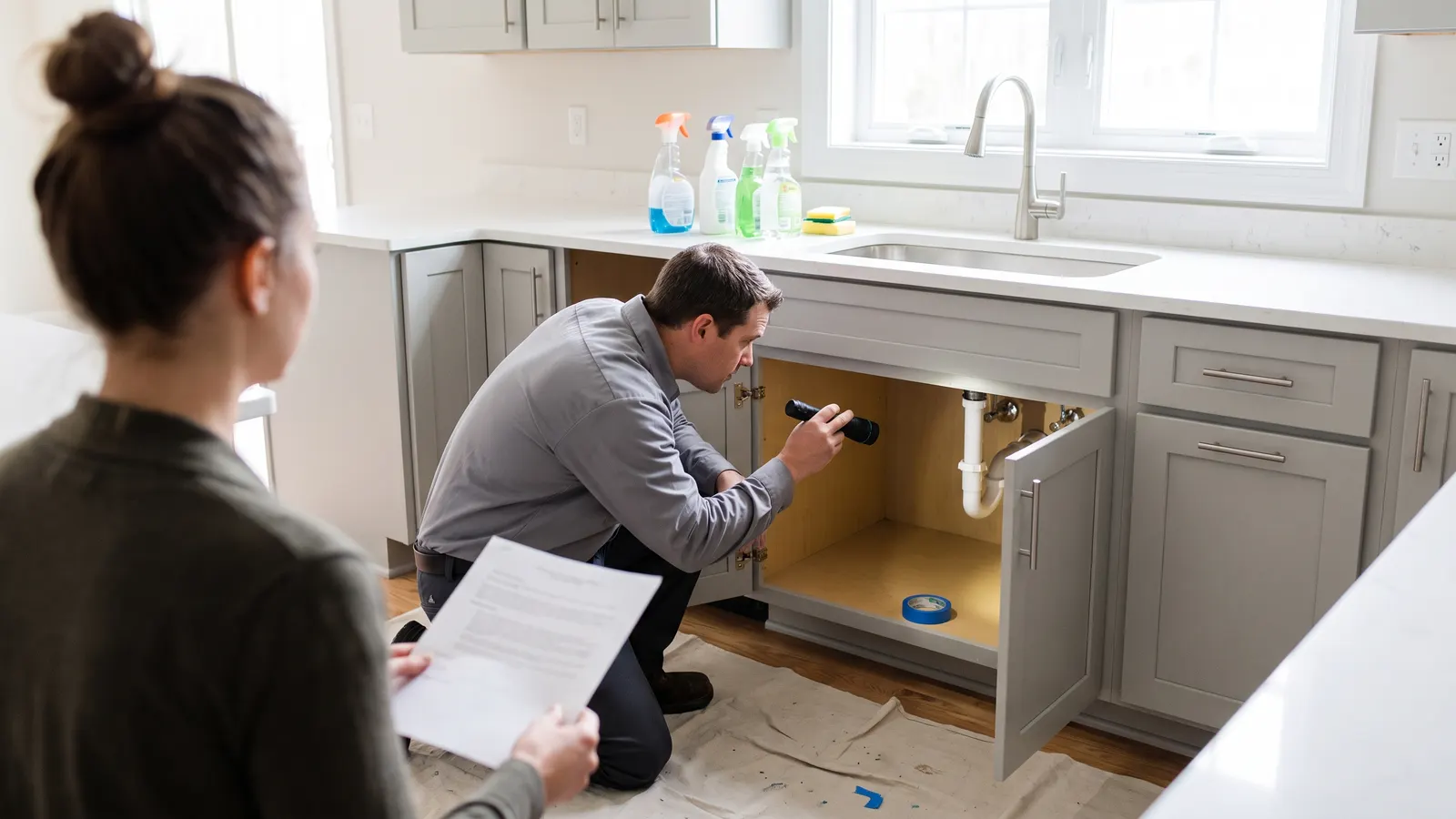
Prepare the house so the technician can reach every item without moving your things: clear furniture and rugs away from the wall, floor, or fixture in question, empty the cabinet under a leaking sink, move cars out of the garage if the item is there, take pictures off a wall that will be patched, and put pets somewhere closed. Turn on the utilities the repair needs. A technician who has to move a dresser spends the visit moving the dresser.
The day before
- Clear a path from the door to every item on the list and move furniture off the work area
- Empty cabinets, closets, or shelves the technician will need to open
- Cover or move anything that dust or paint could reach
- Confirm water, power, and gas are on to the systems involved
- Put pets in a closed room and tell the household when the window is
- Print or open the request with its photos, and flag each item with painter's tape
Flagging the items with painter's tape does two jobs. It gets the technician to the exact spot without a tour, and it makes the list visible to both of you, so an item that gets skipped is noticed before the truck pulls away. Number the tape flags to match the request numbers.
What should you have ready when the technician arrives?
Have three things at the door: the request with its photos and date, the relevant page of the warranty document if the item involves a tolerance or a definition, and a way to record the visit. The photos show what the problem looked like when you reported it, which matters when a crack has closed up in dry weather or a leak has stopped for the day. The document page matters when the technician says something is within normal limits; the number in the document decides, not the opinion.
Walk the technician to each item in order and describe it the way the request does. Then let them work. Hovering does not help, but being reachable does, because the common mid-visit question is whether you approve a change of scope: a paint touch-up that will not match without repainting the wall, a tile that cannot be replaced without pulling three more. Those decisions are easier with the request open and the selection sheet or the paint schedule at hand, which is one reason the record of paint colors and finishes belongs in the same file as the warranty.
What should you do during the visit?
During the visit, note what is done to each item, what the technician says about anything they will not do, and anything they find that was not on the list. Photograph each repair when it is finished, from the same angle as the original photo. Ask the technician to write "not covered" or "needs another trade" on the work order for anything left open, and to sign or initial it before they leave.
Do not sign anything that says all items are complete unless they are. A work order is a record, and a signed "complete" on an unfinished list is a record against you. If a technician asks you to sign for the visit, write the open item numbers next to your signature.
When a technician tells you something is not covered, ask two questions: which section of the warranty document says so, and will they write that on the work order. A verbal "that's normal settling" is not a determination. A written one, from the builder's warranty staff, citing the document, is what the escalation path in the document responds to.
What should you record after the visit?
After the visit, record the date, the trade, what was repaired, what was declined and why, what was left open, and the after photos, on the same request or in the same file as the original claim. Then walk every item yourself before you accept the visit as resolved. A patch that was painted before it dried, a door that latches today and rubs next week, and a caulk bead over a crack that is still moving are the usual reasons a resolved item comes back.
In Property Station, the builder marks the request Resolved, and you can reopen it with a note if the problem is still there; the Conversation keeps every message and status change with its date, so the history of the item is in one place. The same visit belongs in Repair History against the system it touched, so that a technician in year five can see what was done to that wall or that pipe in year one. If you keep the record another way, the rule is the same: the after photos and the work order go with the claim, not in a separate folder.
What if the visit does not resolve the item?
If the visit does not resolve the item, reopen or re-send the request in writing with the date, what you observed after the repair, and a new photo, and ask for the next step and a date for it. Most items that fail after a first repair need a different trade or a bigger fix than the technician was sent to do, and a second request with the history attached gets that scheduled faster than a phone call does.
If the builder declines the item, or the visit was the last of several that did not hold, the question changes from scheduling to coverage. How to handle a dispute with your builder is the next post; the record you built around this visit is what it will ask you for first. And if the item is one of many you found near the end of the first year, the 11-month inspection explains how to send the whole list so each item has its own date and its own visit.
Common questions
Do I need to be home for a warranty service visit?
Be there if you can, or send an adult who knows the list. The person on site is the one who can point to the item, confirm the scope, and note what was done. If nobody can be present, give access in writing, ask for a written summary of the work, and walk the items yourself the same evening.
What if the technician says the item is not covered?
Ask them to note that on the work order and finish the rest of the list. A technician's opinion is not the builder's decision; the warranty document and the builder's warranty staff decide coverage. Send the technician's note and your photos back through the request, and ask for a written determination that cites the document.
What if the repair does not fix the problem?
Reopen the same request rather than starting a new one, with the date, what you observed after the repair, and a new photo. The history on the original request is the record that the problem persisted through an attempted fix, which matters if the item later goes to an administrator or a mediator.
Can I ask the builder to fix other things during the visit?
You can ask, and a technician with time may do a small item on the spot, but anything not on the request is not recorded and may not count as reported. Send the new item as its own request the same day, even if it was fixed, so it is dated and in the file.
What should you do next?
Open the request for the next scheduled visit, confirm the scope in the Conversation or by email, and run the day-before checklist. If you do not yet have the visit on the calendar, the Warranties list shows which coverage is still open and which claims are waiting, and the warranty timeline says what to send before each window closes.