How it works
From chaos to calm in three simple steps.
Property Station turns scattered maintenance lists, lost documents and forgotten repairs into one organized home record — starting with just a few minutes of setup.
Step 1
Add your home.
Tell us about the house. We do the rest.
Enter your address, choose the systems your home has, and add a few details. Property Station builds a starter maintenance schedule from those systems — no spreadsheet, no guesswork.
- Takes about 2 minutes
- Pick your systems — the schedule builds itself
- A street view photo is added automatically
Home Systems
What systems does your home have?
- Central Air Conditioning
- Furnace/Heating
- Water Heater
- Roof
- Electrical Panel
- Main Plumbing
- Washer/Dryer
- Dishwasher
- Refrigerator
- Garage Door Opener
- Sump Pump
- Smoke/CO Detectors
- Gutter System
 Street View
You’re all set!
We built a maintenance schedule from your home’s systems.
Step 2
Organize everything.
Documents, systems and more — all in one place.
Upload documents from your phone. Catalog appliances and equipment, save manuals and warranties, organize by room, track projects and keep important records — all searchable and accessible anytime.
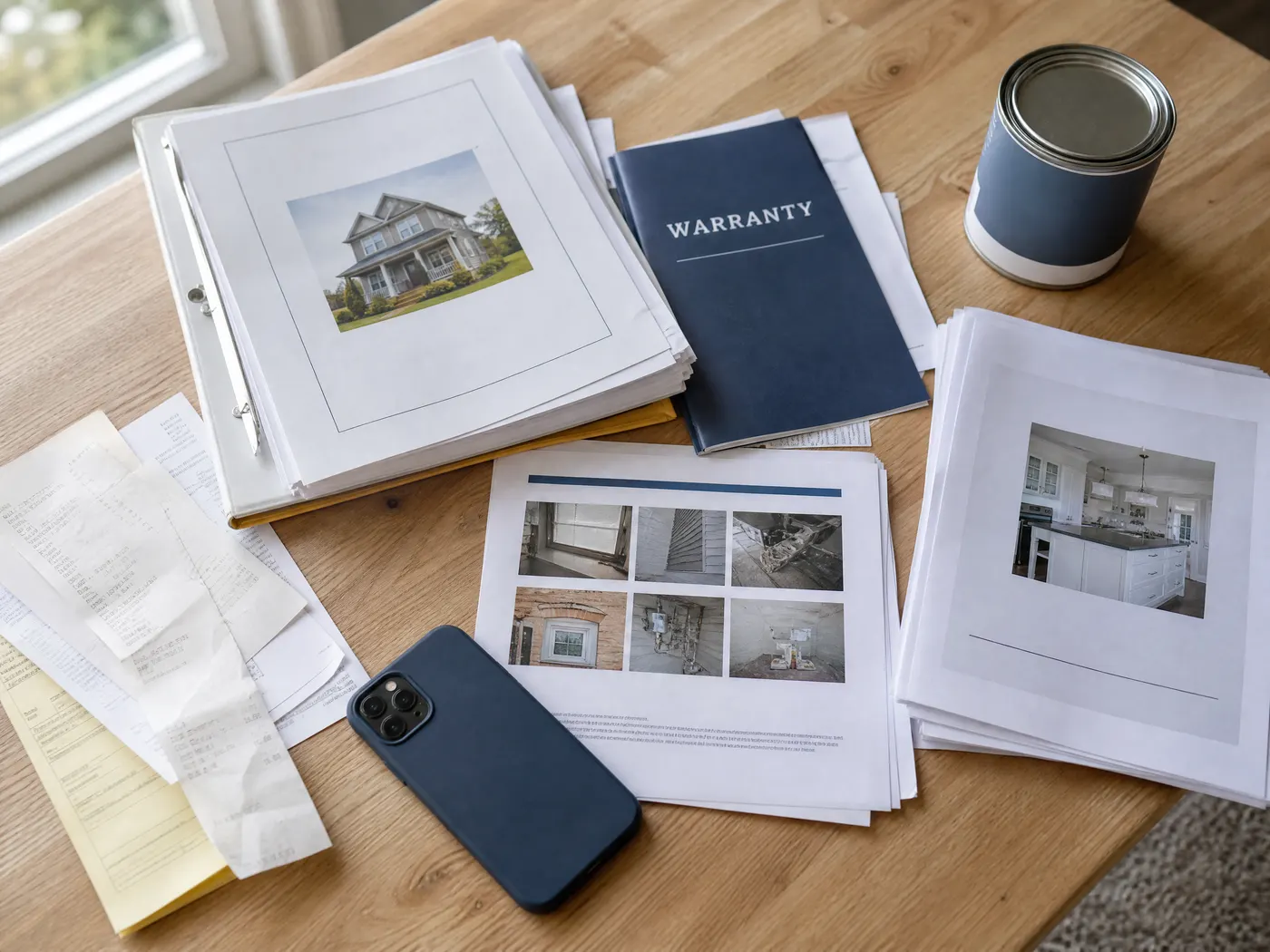
Snap a receipt, manual or warranty — or upload a file.
HVAC Owner’s Manual
We organize it and connect it to the right system.
One search, from any device.
- Home Care
Maintenance schedules and reminders tailored to your home.
- Systems & Equipment
Model numbers, serial numbers, manuals, service history and install details.
- Rooms & Inventory
Photos, finishes, furnishings and important details by room.
- Projects & Improvements
Plans, budgets, receipts, progress photos and completed work.
- Supplies
Remember the exact filters, bulbs and replacement products your home uses.
- Records & Files
Warranties, receipts, manuals, permits, HOA documents, property records and more.
Feature spotlight
Know where everything is. Your home, mapped.
Upload a floor plan and turn it into a useful map of your home. Mark shutoffs, electrical panels, GFCI resets, equipment locations and other important details — so you can find them when you need them most.
No floor plan? Use Home Zones instead.Inside HomeGarage / UtilityAtticExteriorPool & OutdoorDetached Structures
Step 3
Stay on top of your home.
Maintenance reminders. Safety information. A complete home history.
Property Station keeps your home running smoothly with timely reminders, quick access to important safety information and an ongoing Home Snapshot that grows as you maintain and improve your home.
- Jan
- Feb
- Mar
- Apr
- May
- Jun
- Jul
- Aug
- Sep
- Oct
- Nov
- Dec
Something goes wrong? Safety & Shutoffs puts the shutoffs, your plumber and your policy on one screen.
Start Protecting My HomeBefore and after
The transformation.
Before- Scattered sticky notes
- Lost warranties
- Forgotten filters
- Surprise repair bills

- Next upHVAC filter · Oct 4
- Manuals9 linked to systems
- Shutoffs4 on the Home Map
- Home SnapshotUp to date
- Maintenance on schedule
- Manuals & warranties organized
- Shutoffs easy to find
- Home history preserved
- 2 minSetup time
- Your whole homeOrganized
- 1 placeFor everything
- FreeDuring beta
Your whole home, one place
Everything your home needs, built in.
One place for the information, maintenance and details that make your home yours.
- Home Care
Maintenance schedules and reminders tailored to your home.
See it - Systems & Equipment
Model numbers, serial numbers, manuals, service history and installation details.
See it - Records & Files
Warranties, receipts, manuals, permits, HOA documents and property records.
See it - Home Map
Keep shutoffs, panels, equipment locations and other important home details easy to find.
See it - Rooms & Inventory
Photos, finishes, furnishings and important information organized by room.
See it - Projects & Inspiration
Plans, budgets, receipts, progress photos and completed work.
See it - Supplies
Remember the exact filters, bulbs and replacement products your home uses.
See it - Ask My Home
Get help and answers using information from your own home.
See it
Built for security. Designed for simplicity.
- Encrypted in transit and at rest; files behind private, expiring links
- Export everything in your account, any time
- Free for one home, no credit card
Your home has a story.
Make the most of it.
Your home deserves better than sticky notes and shoeboxes. Keep the information, maintenance and history of your home organized in one place — from move-in to move-on. Free for one home, no credit card required.