On this page
A digital home record should contain four parts: what the house is (each system, appliance, finish, and shutoff, with model, serial, and install date), what has been done to it (every maintenance task, service visit, repair, and project, with dates, costs, and permits), what covers it (warranties, the insurance policy, and the receipts that back them), and who to call (the builder, the subcontractors, the vendors, and the utilities). Every entry carries a date, and every entry that has a document carries the document. Anything that will not matter at a claim, a repair, or a sale stays out.
That is the whole specification. The rest of this piece is what goes in each part, where it comes from, and what makes the record digital rather than a scanned binder.
What describes the house itself?
The first part describes the house as it stands: every system and appliance with its brand, model, serial number, install date, and location; every finish with its product name and color code; every shutoff and key location; and the rooms with what is in them. This is the part a technician, an insurer, and a buyer all ask about first, and it is the part most easily captured in one afternoon with a phone.
| Item | What to record | Where it comes from |
|---|---|---|
| Systems (HVAC, water heater, panel, roof, plumbing) | Brand, model, serial, install date, location, warranty dates, filter or part sizes | The label on the unit, the builder's handoff, the installer's invoice |
| Appliances | Brand, model, serial, purchase date, retailer, warranty dates | The label inside the door or on the back, the receipt |
| Finishes | Paint brand, color name and code, sheen, by room; flooring, tile, counter product names | The builder's selection sheets, the can, the box |
| Shutoffs and key locations | Water main, gas meter, panel, water heater valves, irrigation, sump, attic access | Walking the house once with a camera |
| Rooms and inventory | Contents worth insuring, with photos and receipts | A walk-through with the phone, a receipt at each purchase |
The labels are the fastest win. Reading the equipment labels covers where each one is and which numbers matter, and a photo of each label puts the model and serial in the record without a single typo. The shutoffs are the second: a house where every adult can find the water main from the record is a house where a burst pipe is a mess and not a disaster.
What has been done to it?
The second part is the history: every maintenance task with its date and any cost, every service visit with what was found and done, every repair, and every project with its contract, permits, receipts, and photos. This part is built one entry at a time, on the day the thing happens, and it is the part that turns into evidence when a warranty, a technician, or a buyer asks "when did you last".
- Task doneThe filter changed, the tank flushed, the gutters cleared. Logged with the date and a photo the same day.
- Visit recordedThe technician's diagnosis, the parts, the readings, the invoice. Logged before the truck leaves the street.
- Repair filedWhat failed, who fixed it, what it cost, what came out. Filed on the equipment's page next to its routine care.
- Project closedThe contract, the change orders, the permits and their finals, the receipts, the before and after photos. Filed as one project.
The service visit is the entry most often skipped and most often needed, and recording a service visit is a five-minute routine once it is a habit. Projects gather the most paper: the permit history for the house, pulled once from the building department, belongs here too, filed with the project each permit describes.
What covers it?
The third part is what protects the house and the money in it: every warranty with its start and end dates and the document that states its terms; the homeowners policy with its declarations page, deductibles, and renewal date; flood or other separate policies; and the receipts that back any future claim, including the receipts for improvements that add to the home's tax basis.
The builder warranty, for a new build, is the largest item here, and reading the builder warranty is worth an evening because the record needs its windows, its definitions, and its claim procedure written down before the first claim. Manufacturer warranties run separately from it; each appliance and each piece of equipment has its own, and each one is a document with an expiry date.
Who do you call?
The fourth part is the people: the builder and its support contact, the subcontractors by trade from the handoff, every vendor you have used with a note on how the visit went, the utilities with their account numbers and emergency lines, and the emergency contacts a house-sitter would need. This part makes the record usable by someone other than you, which is its real test.
The utilities and account numbers are their own list within this part, kept apart from anything that gets shared, with the passwords living in a password manager and never in the record. The vendors are the list you will be glad of at the second failure of anything: the plumber who came on a Sunday, the electrician who explained the panel, and the roofer whose quote was clear.
What makes it digital rather than a folder of PDFs?
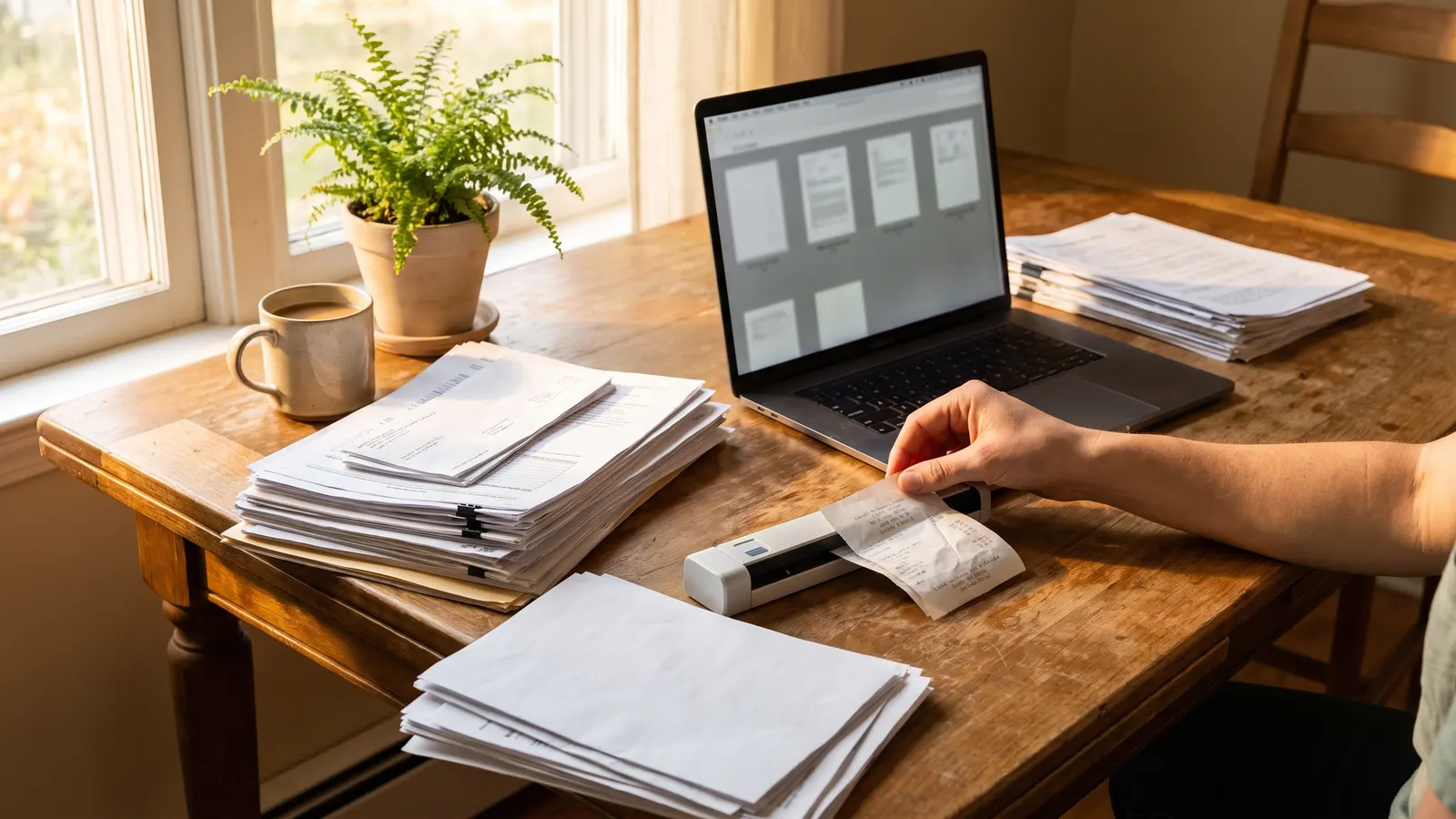
A digital record is different from a folder because its entries are dated and linked, it reminds you of the next date, it can be searched by any of its facts, and it can be handed to another person whole or in part. A folder of PDFs, however tidy, is a binder that happens to be on a screen: it holds what you put in it and says nothing about what comes next.
A folder of PDFs
- The furnace manual is there; the date the filter was last changed is not
- Nothing reminds you that the warranty ends next month
- Finding the plumber's last invoice means remembering the file name
- Sharing means emailing attachments and hoping they were the right ones
- Moving out means handing over a link to a folder, or nothing
A digital record
- The manual sits on the furnace's page, under a list of every dated filter change
- The warranty's end date raises a reminder before it passes
- The plumber's invoice is on the water heater's page, in order, with the note from the visit
- A view-only link or a one-page summary shows what the other person needs and nothing else
- The whole record transfers to the next owner, or exports as files you keep
In Property Station the four parts map to pages: Systems & Features, Appliances, Paint & Finishes, and Shutoffs & Key Locations for what the house is; Maintenance, Maintenance Log, Repair History, and Projects for what has been done; Documents, Warranties, and Insurance for what covers it; Trusted Vendors and Emergency Contacts for who to call. Reminders come from the maintenance tasks and the document expiry dates, the property page's Share button makes a view-only link, and Data Export downloads everything as files. See the features, or create a free account and start with the labels.
The case for the single record, and why the binder and the spreadsheet fail at it, is made in full in why every home needs one record. And once the record exists, sharing it with a contractor or a manager is a matter of choosing which part they see.
What stays out?
What stays out is anything that will not matter at a claim, a repair, or a sale: passwords and codes, receipts for consumables, decorating ideas, the mortgage and the household budget, and anyone's opinion about the previous owner. The record is for facts about the house with dates attached, and every item that fails that test makes the ones that pass harder to find.
When in doubt, ask whether a buyer's inspector, an insurance adjuster, or a warranty reviewer would want to see it. If none of them would, it can live somewhere else. If any of them would, it goes in with a date, today.
Common questions
How is a digital record different from a folder of PDFs in the cloud?
A folder holds documents. A record holds documents attached to dated entries about the house, with reminders for the next date and a way to hand the whole thing to a technician, a manager, or a buyer. The folder answers "where is the manual"; the record answers "when was the filter last changed, and what did the technician say".
How long does it take to set up?
An afternoon for the skeleton: the systems with their labels photographed, the shutoffs, the closing documents, the warranties with dates, and the vendors you already use. Everything else is added the day it happens, a few minutes at a time. Do not try to reconstruct ten years of history first.
Should I include the previous owner's records?
Yes, whatever you were handed, marked as theirs and dated as best you can. A previous owner's roof invoice or permit is still the roof's history. Enter the facts you can verify (a date on an invoice, a permit number) and leave out what is only a story.
What about the house's value and the mortgage?
The purchase price, the improvements that add to the tax basis, and the insurance policy belong in the record because they matter at a sale and at a claim. The mortgage statement and the monthly budget do not; they are about the money, not the house.
What should you do next?
Build the first part this weekend: walk the house with the phone, photograph every label and every shutoff, and enter the systems with their dates. Add the warranties and the insurance policy with their end dates the same day so the reminders exist. Then let the second part build itself, one dated entry at a time, starting with the next task on the schedule.