On this page
The permit history for a house is held by the building department of the city or county that issued the permits, and most departments now let you search it online by address. The file lists each permit, what it was for, who pulled it, the inspections, and whether it was finaled or left open. If there is no portal, a public records request or a visit to the counter gets the same file. Pull it once, save it, and you have the official version of what was done to the house.
The reason to bother is that an inspection report tells you what an inspector could see on the day, and the permit file tells you what a building inspector signed off on over the life of the house. Those are different lists, and the gap between them is where the surprises live: the finished basement with no permit, the water heater swapped without one, the deck that was permitted and never finaled.
Where is the permit history kept?
Permit history is kept by whichever government issued the permit, which is usually the city if the house is inside city limits and the county if it is not. The office is called the building department, building and safety, development services, or permits and inspections, depending on the place. Planning and code enforcement are separate offices that sometimes hold related files. The parcel number on your tax bill is the key that opens all of them.
A house annexed into a city years after it was built can have its early permits at the county and its later ones at the city, so check both when the dates span an annexation. Homeowners association approvals are useful to have but are not permits and do not appear in the government file.
How do you search an online permit portal?
Search an online permit portal by entering the street address, or the parcel number when the address search fails, then open every permit on the list and read its type, its dates, its status, and its inspection history. Most portals let you download the permit card and the inspection results as a PDF. Save each one to your own record; a portal can change vendors or drop old years, and the copy you hold does not.
- Find the jurisdictionThe assessor's parcel page or the tax bill names the city or county that issues permits for the address.
- Find the portalSearch the department's site for "permit search", "property search", or "records". Some departments use a shared vendor portal and link to it from their own page.
- Search by address, then by parcelAddresses are entered inconsistently ("St" against "Street", a missing unit number). The parcel number is exact.
- Open every permitRead the type, the applicant or contractor, the issue date, each inspection with its result, and the final status.
- Download what you canThe permit card, the inspection results, and any plans attached. Screenshot anything the portal will not export, with the date visible.
A larger project usually shows up as a building permit with trade permits under it: electrical, plumbing, mechanical, sometimes roofing or solar. Read them as a group. A kitchen remodel whose building permit was finaled but whose electrical permit was not is a kitchen with an open permit.
What if there is no portal?
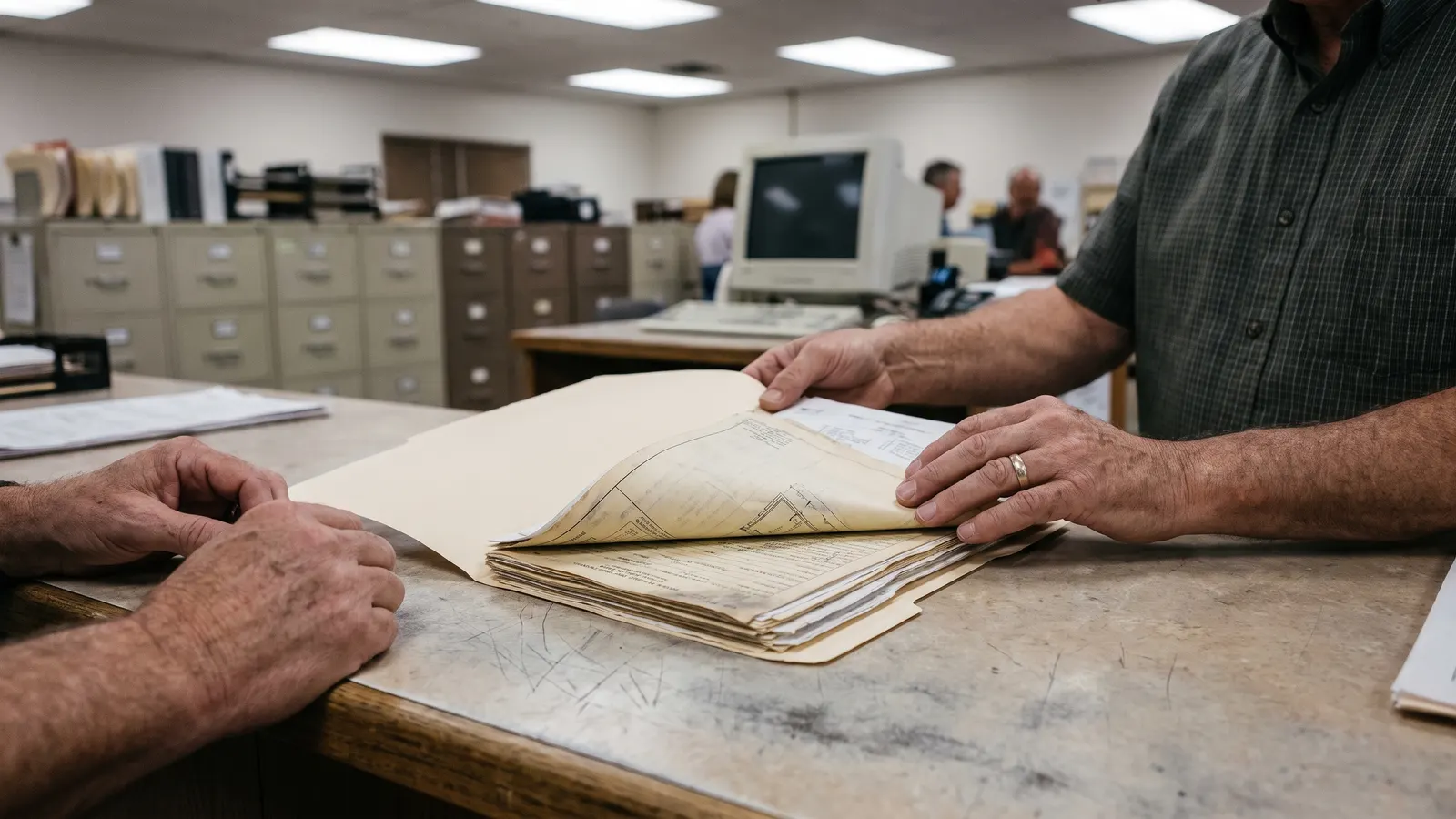
If there is no portal, ask the building department directly: a public records request by email or through the department's form, or a visit to the counter with the address and parcel number in hand. Ask for the complete permit history for the parcel, including inspection records and any plans on file. Departments usually charge a small copy fee for paper and often nothing for a digital copy. Write down the clerk's name and the date of the request.
Two other sources fill gaps the department cannot. For a new build, the builder pulled every permit, and the department finaled them before issuing the certificate of occupancy, so ask the builder for the permit numbers and for the certificate of occupancy itself at the walkthrough. For a resale, the previous owner's records may hold the inspection cards, and the seller's disclosure often lists work done with or without permits, which gives you names and dates to search for.
How do you read what you find?
Read a permit record by its status first, then by its inspections. A permit that was issued, inspected, and finaled describes work an inspector approved at each stage. A permit that was issued and never finaled describes work that may or may not have been completed and was never signed off. An expired or voided permit describes an approval that lapsed. The status words vary from portal to portal, but they map to the same handful of meanings.
| Status word (varies by portal) | What it usually means | What to do |
|---|---|---|
| Applied, Pending, In review | The permit was requested and not yet issued | Nothing yet; work should not have started |
| Issued, Active, Open | Work was approved to begin; inspections may be in progress | Read the inspection lines for what passed |
| Passed, Approved (on an inspection line) | That stage was inspected and accepted | Note the date; it is the proof the work was checked |
| Failed, Correction (on an inspection line) | The inspector found a problem; a re-inspection should follow | Look for the re-inspection and its result |
| Finaled, Closed, Complete, CO issued | The work passed its final inspection | Save the record; this is the line that matters at a sale |
| Expired, Void, Canceled | The permit lapsed before a final | Ask the department whether the work was done and how to close it |
What does an open or missing permit mean for you?
An open permit means work was authorized and never inspected to completion; a missing permit means work you can see in the house has no record at all. Both matter at a sale, at an insurance claim that touches that work, and when you want to build on top of it. Neither is a verdict. What each one means in your jurisdiction, and what it takes to resolve, is a question for the building department, and the answer belongs in your record with the date you asked.
Whether a given project needs a permit at all varies by place and by the size of the job, which is its own question to settle before the next project starts. When you hire the work out, the written contract should say who pulls the permits; a contractor who asks you to pull them yourself is a warning sign, and the permit file will show whose name is on the application.
The permit most often missing from the files we see is the one for the water heater. Plumbers swap them in an afternoon, many jurisdictions expect a permit for the swap, and the receipt ends up as the only record. If yours has been replaced since the house was built, look for it on the list first.
What should you keep in the record?
Keep the permit number, the type, the issue and final dates, the contractor named on it, the inspection results, and any plans, for every permit in the file, plus a dated copy of the search itself. File each one with the project it belongs to, so the kitchen remodel's permit sits beside its contract, its receipts, and its photos. When you sell, the buyer's questions about permits get answered from that folder instead of from a second search.
In Property Station each permit is a document of type Permit on the Documents page, with the permit number in the title and the final date in Notes. The contract and the receipts for the same job are their own document types on the same page, so the filters in the Document Vault show the whole project in one view, and the rest of the digital record sits around it.
Common questions
Can I find permit history for a house I do not own yet?
Yes. Permit records are public, and most portals search by address without asking who you are. Pull the file during the inspection period so you can compare it against the work you can see, and ask the seller about anything that does not match.
How far back do permit records go?
It depends on the jurisdiction. Online portals often start when the department went digital, and older permits sit on paper or microfilm at the counter. If the house is older than the portal, ask the records clerk what exists and how to request it.
What if the work I see in the house has no permit?
Note it, and ask the building department what it means in your jurisdiction. Some work never needed a permit, some did, and the department can tell you which. Do not open walls or start corrective work on your own; get the answer first and write it down.
Does the builder of a new home give you the permits?
Often not unless you ask. The builder pulled the permits and the department finaled them before the certificate of occupancy, so the record exists. Ask for the permit numbers and the certificate at the walkthrough, and pull the full file from the portal once you own the house.
What should you do next?
Pull the permit file for your house this week, even if you have owned it for years, and walk it against what you can see: the water heater, the panel, the deck, the finished basement. Anything without a permit gets a note and a question to the department; everything else gets filed with its project. From here on, track each project's permits as they happen, which is a few minutes per job instead of the afternoon you just spent.