On this page
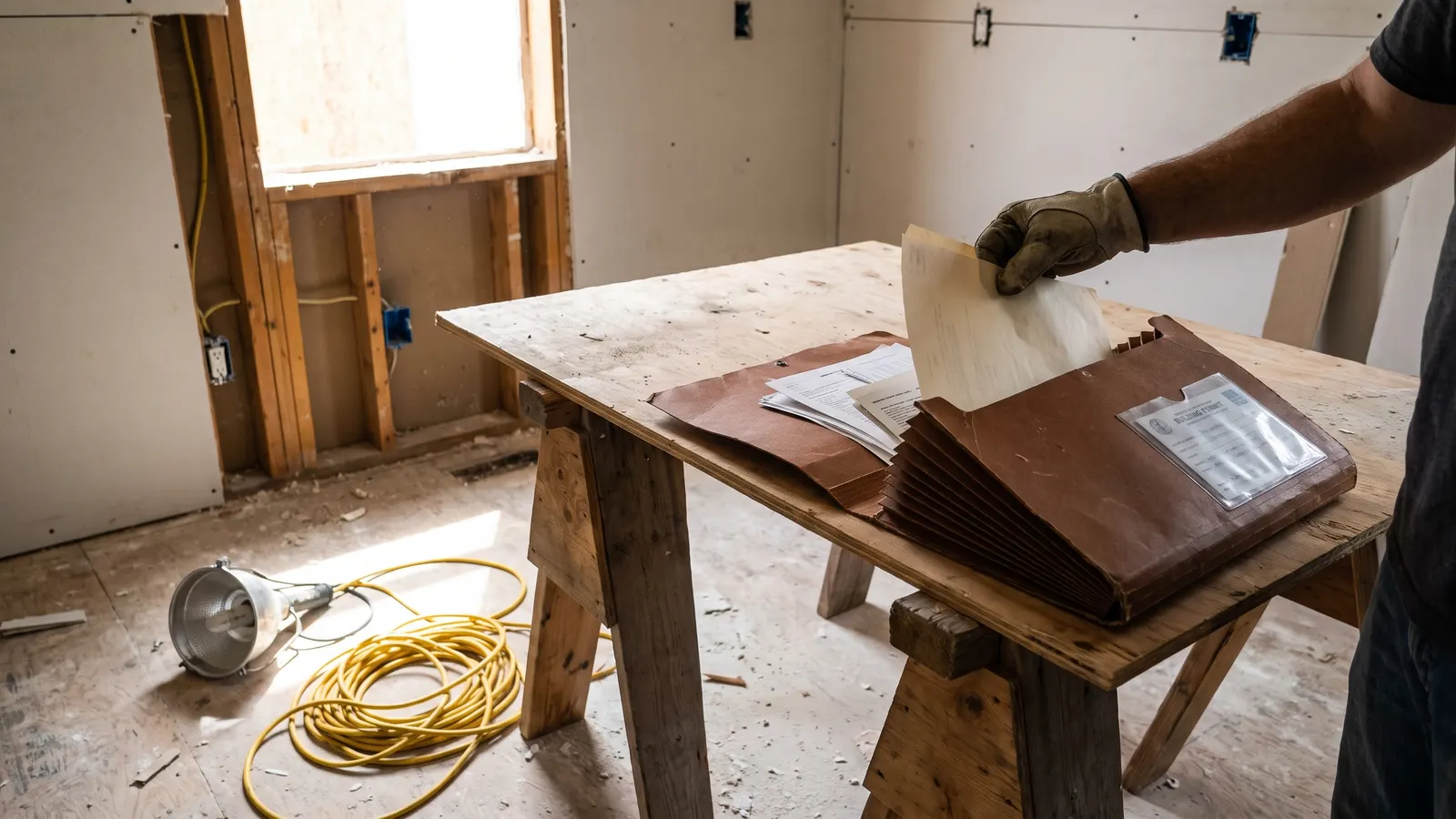
Track contractor work and permits with one project file per job, opened the day you sign and closed the day the final inspection passes and the last lien release arrives. Into it go the contract and every change order, each payment with its receipt, the permit number with each inspection and its result, dated photos before, during, and after, and the closeout: the paid final invoice, lien releases, warranties, manuals, and the product and finish details. The FTC's contractor guidance says to keep every document, change order, and payment record; the file is how.
The file is what the fourth part of a home record, who worked on it, looks like for one project. Hiring well comes first, and how to hire a contractor covers the checks and the contract; this post starts at the signature.
What should the project file hold?
The project file holds three groups of records, matched to the three stages of a job: what was agreed before work started, what happened while it ran, and what was handed over when it ended. Each stage produces a different kind of document, and the ones from the middle stage, the change orders and the inspection results, are the ones that go missing because nobody is thinking about a file while the kitchen is torn out.
| Stage | Records to capture | Why they matter later |
|---|---|---|
| Before | The written estimate, the signed contract, the license number, proof of insurance, the payment schedule, the materials list, the start and completion dates | The contract is the reference for every dispute and every claim |
| During | Change orders, each payment and receipt, the permit number, each inspection and its result, dated photos, the messages that changed the scope | Proves what was built, what was approved, and what was paid |
| Closeout | Final invoice marked paid, lien releases, product warranties, manuals, the closed permit, as-built notes, paint and finish details | What the warranty, the tax basis, and the buyer will ask for |
The FTC's contractor guidance lists what a written contract should contain, including the contractor's name, address, phone, and license number, the start and completion dates, the payment schedule, the contractor's obligation to get permits, how change orders are handled, a detailed materials list, and warranty information. If the contract has those, the "before" column is one document.
How do you track the permit?
Track the permit by recording its number, who pulled it, the inspections it requires, the date and result of each one, and the date it was closed, and by checking the status yourself rather than taking the contractor's word. The contract should say the contractor gets the permits, per the FTC, and one of the FTC's warning signs is a contractor who asks you to get them instead. The permit is on your address either way; so is the consequence of one left open.
Which work needs a permit varies by jurisdiction, and whether you need a permit goes into the common cases. Whatever the answer, the building department's record is the one that counts; finding the permit history for your home shows how to read what the county already has for your address.
How do you track change orders and payments?
Track change orders by getting each one in writing, with its price and its effect on the schedule, signed by both sides before the work changes, and track payments by tying each one to a defined amount of completed work and keeping the receipt. The FTC says the contract should state how change orders are handled and that payments should be contingent on completed work, with the final payment held until the job is done, subcontractors and suppliers have been paid, and you have lien releases.
- Change proposedBy either side, in writing, with the new price and the new date; a text message counts if it says both
- Change acceptedSigned or clearly agreed in writing, filed with the contract as an amendment
- Payment dueOnly when the stage in the payment schedule is complete; the receipt goes in the file the same day
- Final walkScope met, punch items done, permit closed, warranties and manuals in hand
- Final paymentAfter lien releases from the contractor and from every subcontractor and supplier
Keep a running total in the file: the contract price, plus every change order, against every payment made. The difference is what is still owed, and at the end it is the number the tax basis file needs, since home improvement records and your tax basis is built from these receipts. The FTC also notes that some states limit the down payment and that a contract signed in your home should include a statement of the three-business-day right to cancel; both belong in the contract, and the contract belongs in the file.
What should you photograph, and when?
Photograph before the work starts, at every point where something is about to be covered, and after the work is done, from the same spots each time. The "before" set is the baseline for any dispute about damage. The "about to be covered" set, which is the framing, the wiring, the plumbing, and the flashing before drywall, tile, or siding goes on, is the only record of what is inside the wall. The "after" set is what the warranty claim and the listing photos are compared against.
- Before: every room and surface the work touches, plus the crew's route through the house
- Rough-in: every wall and ceiling opened, before it is closed, including any posted inspection card
- Deliveries: the product labels on the materials that arrive; those are the model numbers for the warranties
- After: the finished work, from the same angles as the "before" set
The rough-in photos are the same idea as the pre-drywall inspection on a new build: the day after the drywall goes on, they are the only copy.
What goes in the closeout?
The closeout is the set of documents that turns a finished job into a record you can use: the final invoice marked paid, the lien releases, every product warranty and manual for what was installed, the closed permit, notes on anything built differently from the plan, and the paint, tile, flooring, and hardware products by name and number. Ask for it as a package before the final payment, because it is easy to get on the last day and hard to get a month later.
Closeout package
- Final invoice, marked paid, with the running total reconciled
- Lien releases from the contractor, each subcontractor, and each supplier
- Product warranties, with the registration done or the details to do it
- Manuals for every installed appliance, fixture, and piece of equipment
- The closed permit, with the final inspection result
- As-built notes: what was moved, rerouted, or changed from the plan
- Paint colors and finishes: brand, name, code, sheen, and where each was used
- The contractor's workmanship warranty, in writing, with its length and how to make a claim
Two of those items go on to their own records: the warranties start warranty records that hold up, and the paint and finish details belong in the record of paint colors and finishes, where the next touch-up will look for them.
Where should the project file live?
The project file should live in the home record, as one project with its documents, photos, and contacts together, so that a warranty question or a buyer's question years later opens one folder rather than a search of the email archive. A folder on a shared drive works. A record that also holds the equipment installed and the vendor who installed it works better, because the project links to both.
In Property Station, a project on the Projects page holds its documents and photos (project photos up to 10 MB each), the contract, permit, and receipts go in Documents under the Contract, Permit, and Receipt types, and the contractor goes in Trusted Vendors so the next call starts from their record. The closed permit filed as a Permit-type document is the one a buyer's agent asks for first.
Common questions
Who is responsible for pulling the permit?
Whoever the contract says. The FTC's contractor guidance says the written contract should state the contractor's obligation to get permits, and one of its warning signs is a contractor who asks you to pull them instead. Either way, the permit number and its status belong in your file, because the permit is attached to your address, not to the contractor.
What happens if a permit is never closed?
In many jurisdictions an open permit stays on the property's record and surfaces when the house is sold or refinanced, and closing it years later can mean reopening the wall for an inspection. Check the status when the job ends, not when you list the house, and keep the final inspection record with the project.
Do I need to keep every text message and email?
Keep the ones that change the scope, the price, the schedule, or the responsibility for something, and treat them as change orders. A screenshot filed with the project is enough. The everyday coordination can go; the sentence "we agreed to move the outlet" cannot.
What is a lien release, and why does it go in the file?
A lien release is the document a contractor, subcontractor, or supplier signs saying they have been paid for their work on your house and give up any claim against it. The FTC says to ask for lien releases before making the final payment. In the file, they are the proof that nobody who worked on the job can later put a claim on the property.
What should you do next?
If a job is running now, open its file today with the contract, the permit number, and every payment so far, then take the "before" photos of whatever has not been touched yet. If the last job is finished, check the permit's status with the building department this week; it is the item most likely to be open, and the cheapest to fix while the contractor still answers the phone.