On this page
Register every appliance and system warranty in the first month of owning a new home: find the model and serial number on each unit's label, find the install or purchase date, register each one on the manufacturer's site, save the confirmation, and record the end date where you will see it before it passes. A new house typically carries a dozen or more separate manufacturer warranties, each with its own start date and term, and none of them is the builder's. The first month is when the labels are clean and the paperwork is in one box.
This post is the quick method. How to read equipment labels explains where the labels are and what the fields mean; this is what to do with them.
Why register in the first month?
Register in the first month because the start dates are already running. Manufacturer warranties on the equipment in a new house usually begin at purchase or installation, which can be months before closing, and some offer a longer term or an extra component only if the unit is registered within a stated period after that date. The builder's warranty does not cover this equipment, so the manufacturer warranty is the only coverage the furnace, the water heater, and the appliances have.
There is a second reason. A registered unit is one the manufacturer can find: recall notices, service bulletins, and firmware updates go to the registered owner. And a claim on an unregistered unit starts with proving when it was installed and that you own it, which is easy in month one and a search in year four. The difference between a builder warranty and a home warranty explains why this layer of coverage is separate; this post is about making it real.
What has a warranty to register?
Almost every piece of equipment in a new house has a manufacturer warranty of its own: the furnace or air handler, the air conditioner or heat pump, the water heater, the thermostat, every kitchen and laundry appliance, the garage door opener, the sump pump, the water softener, the irrigation controller, and often the windows, the roofing, the siding, the flooring, the counters, and the plumbing fixtures. Some are registered by the installer, most are not, and the only way to know is to check each one.
Things in a new home that usually carry their own warranty
- Furnace or air handler, air conditioner or heat pump, and the thermostat
- Water heater, water softener, sump pump, and whole-house filters
- Range, cooktop, oven, microwave, dishwasher, refrigerator, disposal, range hood
- Washer and dryer, if included
- Garage door and opener, irrigation controller, doorbell and security devices
- Windows and doors, roofing, siding, and the exterior paint or stain
- Flooring, counters, cabinets, and plumbing fixtures, which often have limited warranties from the maker
The building products in the last two lines are the ones owners forget. A window seal that fails in year six or a shingle that sheds early is a manufacturer claim, and the manufacturer will ask for the product, the lot or the serial, and the install date. The selection sheet and the builder's handoff are where those live; ask at the orientation if you do not have them, and the orientation questions include which warranties the builder already registered.
What do you need for each registration?
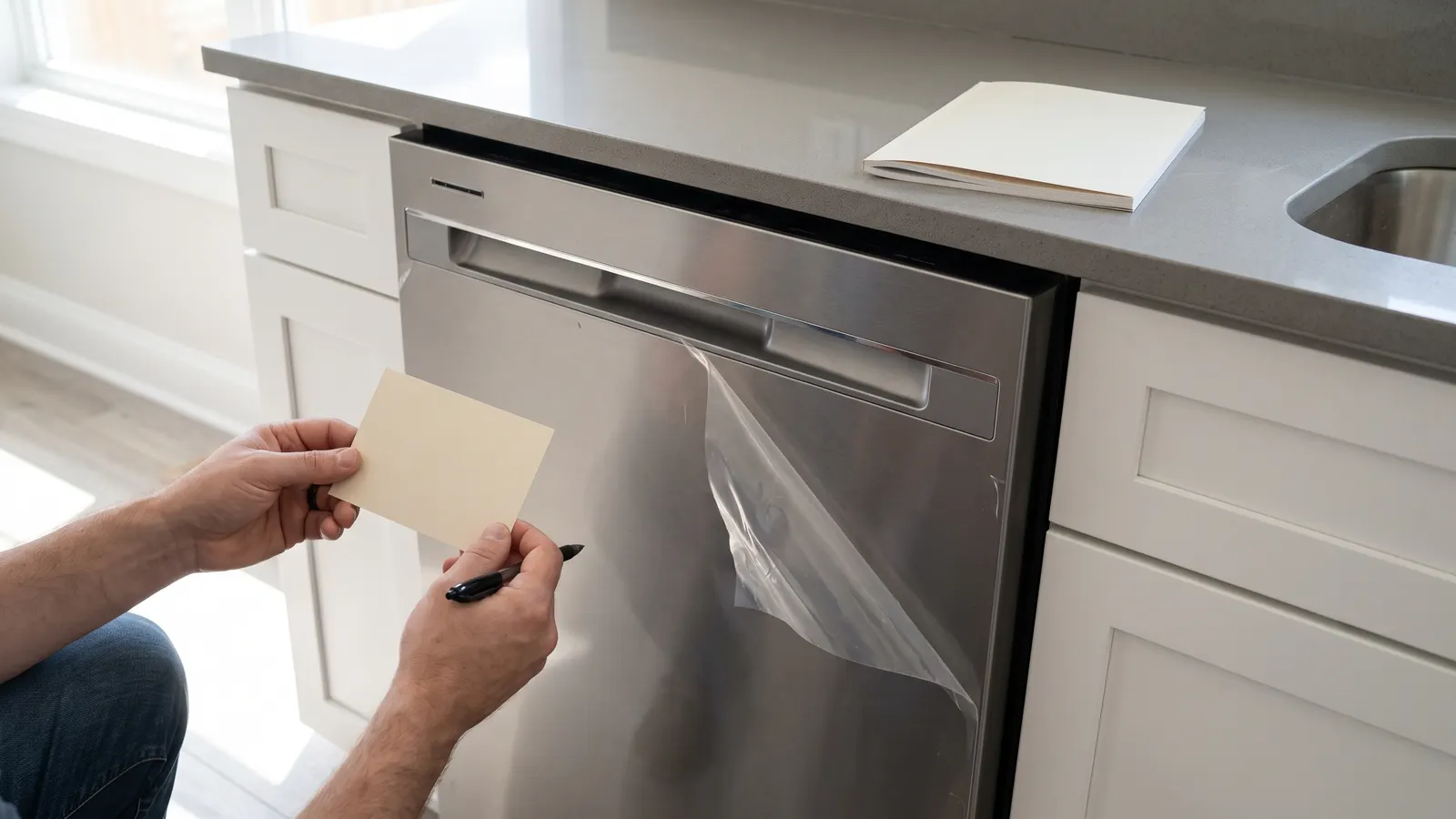
For each registration you need the brand, the model number, the serial number, the install or purchase date, and your contact details, and sometimes the installer's name or the retailer. All but the date are on the label. The date comes from the installer's invoice, the builder's selection sheet or handoff, or the closing date as a fallback. Photograph the label first, then work from the photo; a serial copied by hand is the most common reason a registration fails to match.
Keep the manual with each unit's record, because the warranty terms are usually printed in it, and note anything the warranty conditions on: annual professional service for the HVAC equipment, a specific filter, a water quality requirement for a tankless heater, an installer's certification for windows. The annual HVAC service is the most common condition, and the record of it is what a claim on the compressor in year four will need.
How do you register, step by step?
Registering takes a few minutes per unit once the label photos and the dates are in hand: find the manufacturer's registration page, enter the model, serial, and date, save the confirmation, and record the end date. Do them in one sitting rather than as each manual surfaces, because the sitting is what gets finished and the trickle is what stops after three.
- Gather the label photos, the install or purchase dates, and the manuals in one place.
- For each unit, find the registration page on the manufacturer's site (the manual or the warranty card usually gives the address) and confirm whether the unit is already registered to the installer or the builder.
- Enter the model, serial, date, and your details. If the unit was registered by the installer, ask the manufacturer to transfer it to you.
- Save the confirmation email or page as a file, and note the warranty term the site states, which can differ from the card in the box.
- Work out the end date from the start date and the term, and write it on the unit's record.
- File the confirmation with the manual and the label photo, so the three are together.
The end date is the product of this hour. A registration you cannot find later is only slightly better than none; the end date on a list you look at is what turns the warranty into something you use.
Where should the end dates live?
The end dates belong in the same place as the builder warranty dates, so one list shows what is covered and until when. In Property Station, each system under Systems & Features takes a Warranty Start and Warranty End, each inventory item takes a Warranty Expiry, and a document of type Warranty with an Expiry Date does the same; the Warranties list gathers all of them with the builder connection into one list, with an Expiring Soon filter for anything ending within 90 days and a Warranty Expiring notification switched on by default.
A spreadsheet works if you keep it and look at it. The failure mode is the same for any method: the date exists somewhere and nobody sees it until the month after it passed. Property Station puts the dates on a dashboard you open for other reasons, which is the point of keeping them with the rest of the record instead of in a folder of confirmation emails.
Common questions
Do I have to register a warranty for it to be valid?
The warranty card or the manual says. Many manufacturers state that the warranty applies whether or not you register, with proof of the purchase or install date; some tie a longer term or an extra component to registration. Register anyway. It puts your serial on record with the maker, which is how you receive recall and service notices.
Did the builder already register the appliances?
Sometimes, and sometimes only the HVAC installer did for the equipment they installed. Ask the builder at the orientation, and then check each manufacturer's site with the serial number, which will usually show whether the unit is registered and to whom. If it is registered to the builder or the installer, ask the manufacturer to transfer it to you.
What start date should I use?
The date the warranty document names, which is often the purchase or install date rather than your closing date, and which may be months before you moved in. The label's date of manufacture is not the start date. If you cannot find the install date, use the closing date and keep the closing documents as the proof.
What if I cannot find the model or serial number?
Look for the label in the places the equipment-labels post describes: inside the door frame on appliances, on the cabinet of the furnace and air handler, on the side of the water heater, on the outdoor unit's side panel. Photograph it rather than copying it. If the label is missing, the installer's invoice or the builder's selection sheet usually has the model, and the manufacturer can look up the serial from it.
What should you do next?
Do the label walk this weekend and the registrations the same evening. Then file the manuals and confirmations where the rest of the closing paperwork lives; the Document Vault takes a Warranty type with an Expiry Date, and the closing-day document list is where the builder's handoff and the selection sheet should already be.